Smartsupp-Updates
Seien Sie immer auf dem Laufenden!
- Mobile Apps
Chatbot für mobile Apps ist da!
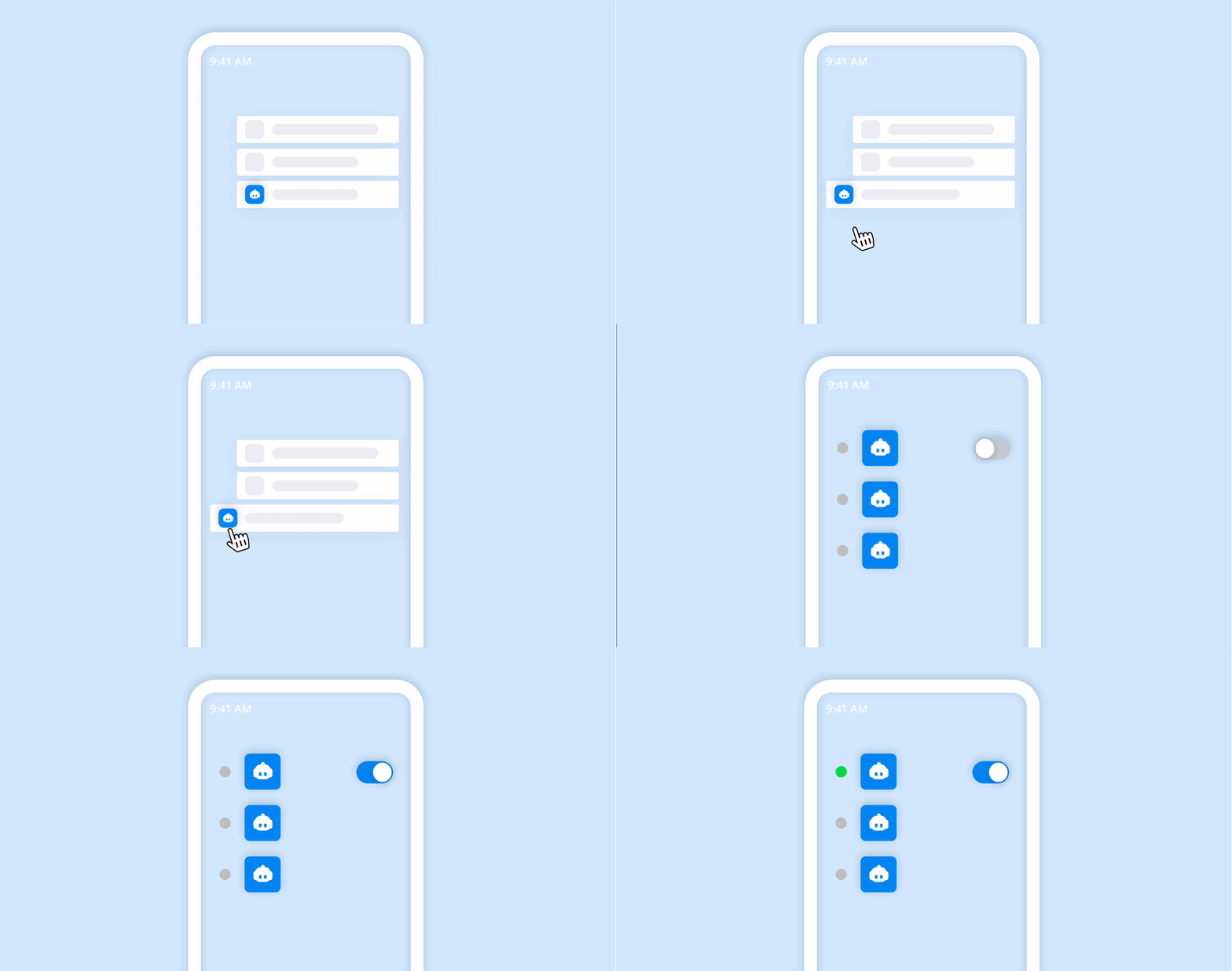
Arbeiten Sie hart? Bearbeiten Sie Ihren Chatbot unterwegs – bleiben Sie dem Spiel immer einen Schritt voraus, wenn Sie nicht an Ihrem Desktop sitzen.
Einfache und benutzerfreundliche Oberfläche. Liefert eine Vorschau Ihres Chatbots und ermöglicht es Ihnen auch, seine Bedingungen zu sehen. Und wenn Sie sich von der Konkurrenz abheben und abenteuerlustig sein möchten, können Sie sogar einen riesigen Chatbot mit sogar 500 Schaltflächen erstellen. 🙃

- Einstellungen
Wir haben Änderungen an den Verfügbarkeitseinstellungen vorgenommen
Wir haben die Option zum Einrichten des Online-/Offline-Status auf der Anmeldeseite entfernt, aber Sie können die Verfügbarkeitseinstellungen weiterhin im Dashboard ändern.
Nachdem Sie sich bei Ihrem Konto angemeldet haben, werden Sie basierend auf Ihrem letzten Status automatisch in den Online- oder Offline-Status geschaltet. Sie können weiterhin direkt im Dashboard manuell in den Online- oder Offline-Modus wechseln, indem Sie im Panel auf der linken Seite auf Ihr Profilbild klicken.

- Zusammenfassung
Sommerneuheiten, die Sie nicht verpassen sollten
Summer at Smartsupp was really hot. We managed to add some cool features and improvements we would like to share with you. Take a look at a brief summary of the the ones we added during June, July, and August 2021.
SmartHub - is a place where you can find useful information that will help you get ahead of your competitors. Go to SmartHub →
Chatbot duplication - Would you like to run the same chatbot just in a different language? Copy it!
Express yourself with GIF - Yes, it’s true. Now you are able to send GIFs to your customer in the chat.

- Live-Chat
Desktop-Benachrichtigungen, wenn Sie offline sind
We know that there can be situations when you don’t have time to talk to every single one of your customers. Still, you don’t want to miss out on an interesting inquiry. That’s why now, you can get notifications to alert you of incoming messages even when your chat is offline! You can turn on these desktop notifications in your settings.

- Tablet
Nutzen Sie Smartsupp bequem auf dem Tablet
Do you prefer using a tablet to a computer or laptop at work? Good news! Smartsupp is now fully responsive for tablets in all browsers.
Of course, you can also use our mobile application, which is available for both Android and iOS.

- Google Analytics
Fehlerbehebung bei Google Analytics-Ereignissen
By connecting Smartsupp events with Google Analytics you can analyze conversations better and constantly move your business forward.
Recently, there was an issue with Google Analytics, when some events were duplicated and sent twice. Now the issue is fixed so the following section in the Help center is correct .

- Produktneuigkeiten
Smartsupp-Versionshinweise 20/12 und 01/21
Here is a brief summary of the features added in December 2020 and January 2021.
Don’t miss
- FAQ chatbot - answers FAQs automatically
- Facebook Messenger integration - allows you to receive and answer Facebook messages from Smartsupp dashboard
Übersicht und Chat-Box
- new email notifications for missed conversations (read more)
- improved and more detailed statistics
- new email notifications for missed conversations (read more)
- simplified recording settings (moved to dashboard)
- focused elements are highlighted
Kontaktformular
- Gesprächsleitfaden hinzugefügt (Android)
- In-App-Benachrichtigungen für eingehende Besucher (Android)
- Gesprächsleitfaden hinzugefügt (Android)
- Der Fehler, dass die Besucherliste nicht automatisch aktualisiert wurde, wurde behoben (Android)
- added visitor simulation (Android)
- Gesprächsleitfaden hinzugefügt (Android)
- app will alert you that you won’t receive notifications when you go offline (iOS)
- improved integration with Facebook Messenger (iOS)
- Verbesserte Fehlermeldungen in Gesprächen, geschlossenen Gesprächen, Besucherliste und Chat (iOS)* Verbesserte Integration mit Facebook Messenger (iOS)
- minor bug fixes
Sind Sie noch verwirrt? Kontaktieren Sie uns über die Chat-Box in Ihrer Übersicht und wir helfen Ihnen gerne weiter. Bitte beachten Sie, dass der Kundensupport nur in bezahlten Paketen enthalten ist.


- Facebook-Integration
Integration mit Facebook Messenger
Hast du eine eigene Facebook-Seite? Wenn ja, müssen neue eingehende Nachrichten auf Facebook und Smartsupp nicht mehr separat kontrolliert werden. Verbinden Sie Ihr Smartsupp-Konto mit Facebook Messenger und beantworten Sie jede Nachricht bequem von einer Plattform aus.
Wie verbinde ich FB Messenger →

- Chatbot
FAQ Chatbot
Der FAQ Chatbot ist ein Chatbot, der automatisch die häufigsten Fragen Ihrer Kunden beantwortet. Bereiten Sie im Voraus 5 schnelle Antworten vor und lassen Sie den Chatbot in Ihrem Namen antworten. Dies spart Ihnen viel Zeit und bietet Ihren neugierigen Kunden eine sofortige Antwort.
Wie funktioniert der FAQ Chatbot? →

- Live-Chat
Verpasste Chat-Benachrichtigungen und verbesserte Konversationskategorien
Es gibt zwei neue Funktionen in Smartsupp, nach denen Sie gefragt haben. Beide sind mit Gesprächen verbunden.
Wenn Sie ein Gespräch verpassen, senden wir Ihnen eine E-Mail-Benachrichtigung darüber. Fälle, in denen der Benutzer eine Konversation eröffnet und die Site verlassen hat, ohne versorgt zu sein, gelten als verpasste Konversationen.
**
Lesen Sie mehr über verpasste Konversationen und wie Sie diese Benachrichtigung einstellen→
[

Auf der RegisterkarteOffenwerden weitere Konversationskategorienangezeigt. Dadurch wird Ihre Arbeit reibungsloser und Ihr Dashboard mehr organisiert. Bitte lesen Sie unseren ausführlicheren Artikel in der Hilfe.****
](https://www.smartsupp.com/help/email-notifications-missed-conversations-offline-messages/)****
Lesen Sie mehr über neue Kategorien→
