Actualizaciones de Smartsupp
Manteniendo las cosas actualizadas para ti!
- Aplicaciones móviles
¡Chatbot para aplicaciones móviles ya está aquí!
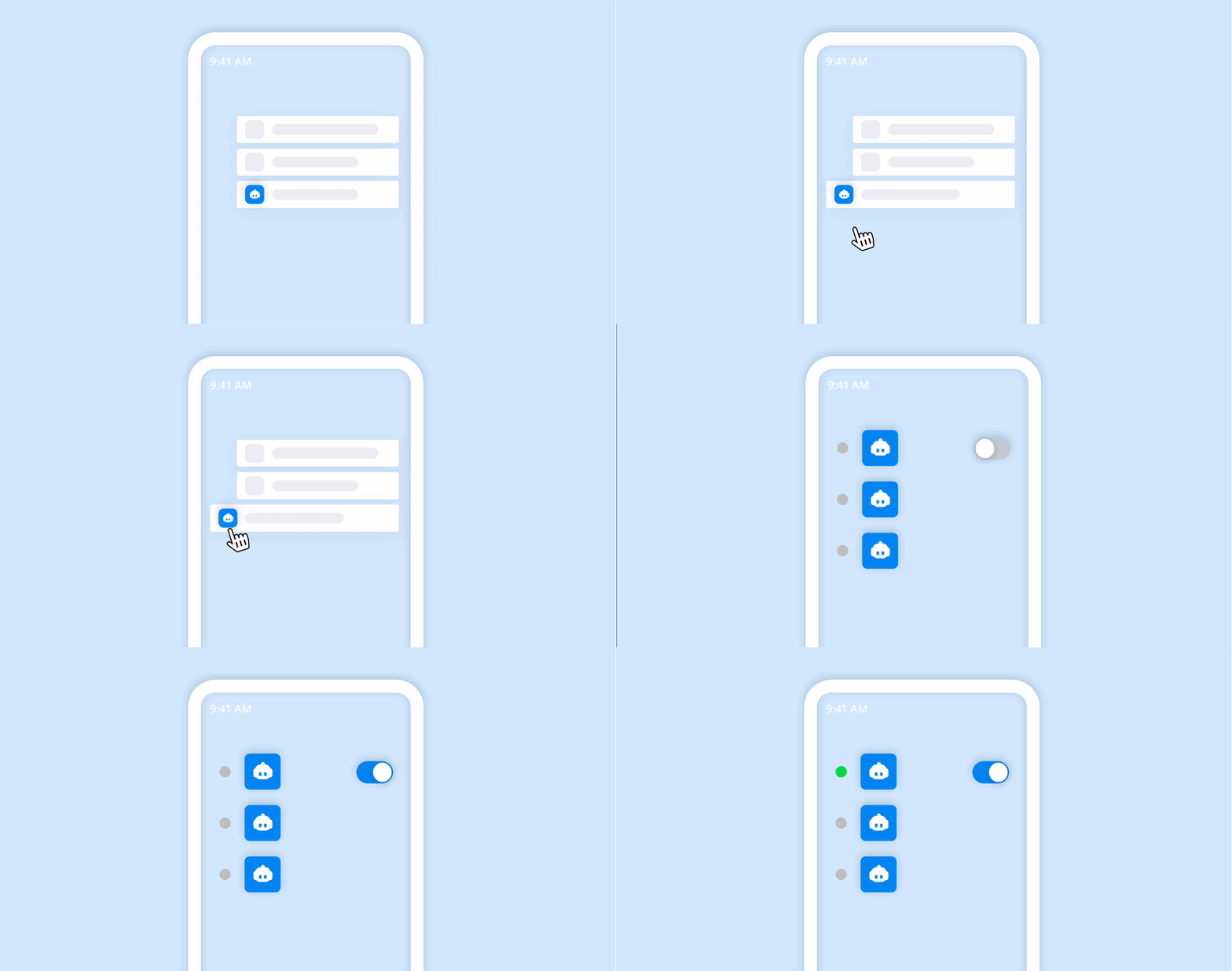
¿Trabajando duro? Edita tu chatbot sobre la marcha: manténte a la vanguardia del juego cuando no estés en tu escritorio.
Interfaz simple y fácil de usar. Ofrece una vista previa de tu chatbot y también te permite ver sus condiciones. Y si quieres pasarte y ser aventurero, incluso puedes crear un chatbot con 500 nodos. 🙃

- Ajustes
Hemos realizado cambios en la configuración de disponibilidad
Eliminamos la opción para configurar el estado Online / Offline en la página de inicio de sesión, pero aún puedes cambiar la configuración de disponibilidad en el panel de conversaciones.
Después de iniciar sesión en tu cuenta, se te cambiará automáticamente al estado Online o Offline según tu último estado seleccionado. Aún puedes cambiar manualmente al modo online o offline directamente en el panel de conversaciones haciendo clic en tu imagen de perfil en el panel izquierdo.

- Resumen
Noticias del verano que no debe perderse
Summer at Smartsupp was really hot. We managed to add some cool features and improvements we would like to share with you. Take a look at a brief summary of the the ones we added during June, July, and August 2021.
SmartHub - is a place where you can find useful information that will help you get ahead of your competitors. Go to SmartHub →
Chatbot duplication - Would you like to run the same chatbot just in a different language? Copy it!
Express yourself with GIF - Yes, it’s true. Now you are able to send GIFs to your customer in the chat.

- Chat en vivo
Notificación del escritorio cuando estás offline
We know that there can be situations when you don’t have time to talk to every single one of your customers. Still, you don’t want to miss out on an interesting inquiry. That’s why now, you can get notifications to alert you of incoming messages even when your chat is offline! You can turn on these desktop notifications in your settings.

- Tablet
Utiliza Smartsupp con toda comodidad en tu tablet
Do you prefer using a tablet to a computer or laptop at work? Good news! Smartsupp is now fully responsive for tablets in all browsers.
Of course, you can also use our mobile application, which is available for both Android and iOS.

- Google Analytics
Solución de eventos de Google Analytics
By connecting Smartsupp events with Google Analytics you can analyze conversations better and constantly move your business forward.
Recently, there was an issue with Google Analytics, when some events were duplicated and sent twice. Now the issue is fixed so the following section in the Help center is correct .

- Noticias de Productos
Notas de la versión de Smartsupp 10/20 y 01/21
Here is a brief summary of the features added in December 2020 and January 2021.
Don’t miss
- FAQ chatbot - answers FAQs automatically
- Facebook Messenger integration - allows you to receive and answer Facebook messages from Smartsupp dashboard
Panel de Control y caja de chat
- new email notifications for missed conversations (read more)
- improved and more detailed statistics
- new email notifications for missed conversations (read more)
- simplified recording settings (moved to dashboard)
- focused elements are highlighted
Aplicación movil
- añadida guía de conversación (Android)
- notificaciones en la app para visitantes que llegan (Android)
- añadida guía de conversación (Android)
- se solucionó el error donde la lista de visitantes no se actualizaba automáticamente (Android)
- added visitor simulation (Android)
- añadida guía de conversación (Android)
- app will alert you that you won’t receive notifications when you go offline (iOS)
- improved integration with Facebook Messenger (iOS)
- mejorados los mensajes de error en conversaciones, conversaciones cerradas, lista de visitantes y chat (iOS)* integración optimizada con Facebook Messenger (iOS)
- minor bug fixes
¿Sigues confundido? Contáctanos a través de la caja de chat en tu Panel de Control y estaremos encantados de ponernos en contacto contigo. Ten en cuenta que el servicio al cliente está incluido solo en los paquetes de pago.


- Integración de Facebook
Integración con Facebook Messenger
¿Tienes tu propia página de Facebook? Si este es el caso, ya no es necesario comprobar los nuevos mensajes entrantes en Facebook y Smartsupp por separado. Conecta tu cuenta de Smartsupp con Facebook Messenger y responde a cada mensaje cómodamente desde una plataforma.

- Chatbot
FAQ chatbot
Como puedes ver por el nombre, FAQ chatbot es un chatbot que responde automáticamente las preguntas más frecuentes de tus clientes. Prepara 5 respuestas rápidas con anticipación y luego deja que el chatbot responda en tu nombre. Te ahorrará mucho tiempo y brindará una respuesta instantánea a tus clientes curiosos.
¿Cómo funciona el chatbot de preguntas frecuentes? →

- Chat en vivo
Notificaciones de chat perdidos y categorías de conversación mejoradas
Hay dos funciones nuevas en Smartsupp que has estado pidiendo. Ambas están conectadas a conversaciones.
Si pierdes una conversación, te enviaremos una notificación por correo electrónico al respecto. Los casos en los que el usuario abrió una conversación y abandonó el sitio sin ser atendido se consideran perdidos.
Lea más sobre las conversaciones perdidas y cómo configurar esta notificación→

Verás más categorías de conversación en la pestaña Abiertas. Esto hará que tu trabajo sea más suave y tu tablero más limpio. Por favor, lee nuestro artículo más detallado en ayuda.
Obtenga más información sobre las nuevas categorías →
