Smartsupp Updates
Keeping things up-to-date for you!
- Chat box
New compact header style
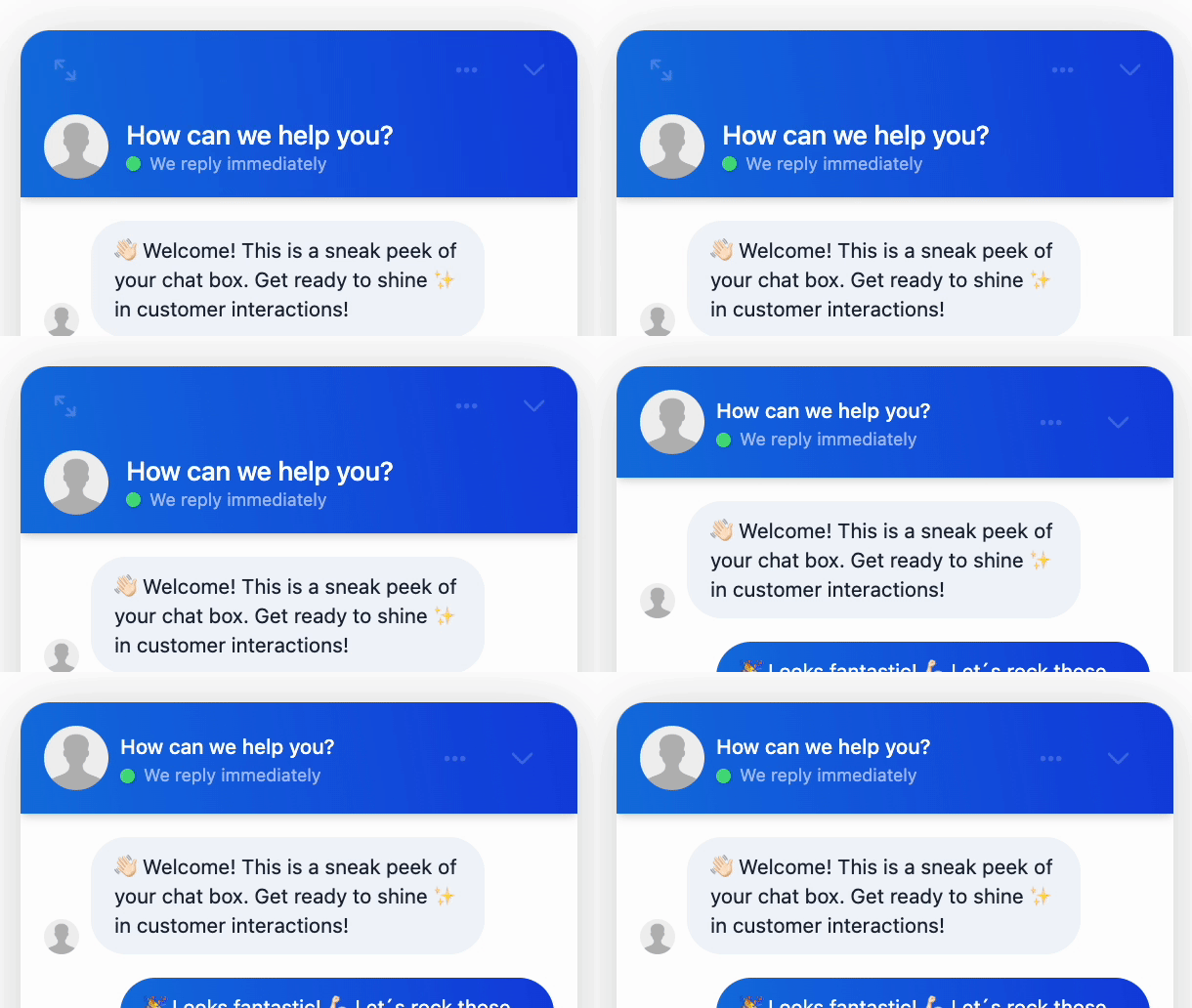
We’re adding a new header style, so you can choose the chat box look that fits you best.
Try Compact for a cleaner look, or keep Standard. Switch and test anytime to see what works for you. 💬
What’s new:
🎨 Two header styles – choose Compact or Standard in Chat Box Settings
💬 More room for content – Compact lowers the header height while keeping every key control within reach
🪄 A cleaner look – small visual refinements make the chat box feel more modern
🔒 Existing chat boxes stay on Standard, nothing changes unless you want it to. 🔁 Switch between variants anytime in Chat Box Settings.

- AI Reply Assistant
Chat with customers in their native language

Today’s feature will significantly simplify communication with your international customers even when you don’t speak the same language. 💬
You can now translate entire conversations in your inbox with just one click into your native language, and your replies get translated back into the customer’s language. No more relying on external translating tools or waiting for someone on your team who speaks that language to be on shift.
How does it work in practice?
- 1️⃣ A customer messages you in a foreign language (like German or Hungarian)
- 2️⃣ In the app, you click the option to translate the conversation
- 3️⃣ The entire communication displays in your native language
- 4️⃣ You write your reply in your language
- 5️⃣ The customer automatically receives it translated into their language
The feature works not just for Live Chat, but across multichannel too so you can instantly respond to international messages from Messenger, WhatsApp, or Email. Translation credits are available in paid plans, so you can start using this feature right away.
- Smartsupp AI
Product cards straight from your feed

From now on, Mira pulls product images straight from your product feed – the same source she already uses for names, prices, and descriptions. ✨
The result? Visual product cards in every conversation, exactly as your customers know them from your store.
What you get:
- 🛍️ Consistent visuals – same images as in your catalog, no gaps between store and chat
- ✅ Reliable display – Mira draws from a structured source you already maintain
- ⚙️ Zero setup – the update runs automatically, just keep your feed connected
A customer asks about a specific product? Mira instantly shows them a card with the image and everything they need to decide. 🎯
- Smartsupp AI
AI responses are now easier to read

Mira AI now formats its responses directly in the chat window. Customers get better-structured information and can see what’s important at first glance.
What the AI shopping assistant can do:
- Bullet points and clear lists 📋
- Text emphasis with bold and italics ✍️
- Visual hierarchy and structure in longer responses 🗂️
TIP 💡: You can also use formatting when adding text sources and custom answers. This way, the AI shopping assistant will respond to customers exactly the way you want.
It works because Mira now writes responses in Markdown 🔧 — a format the chatbox understands more easily. Responses are displayed directly as formatted content.
- Smartsupp AI
Your AI shopping assistant now always has up-to-date info from your website
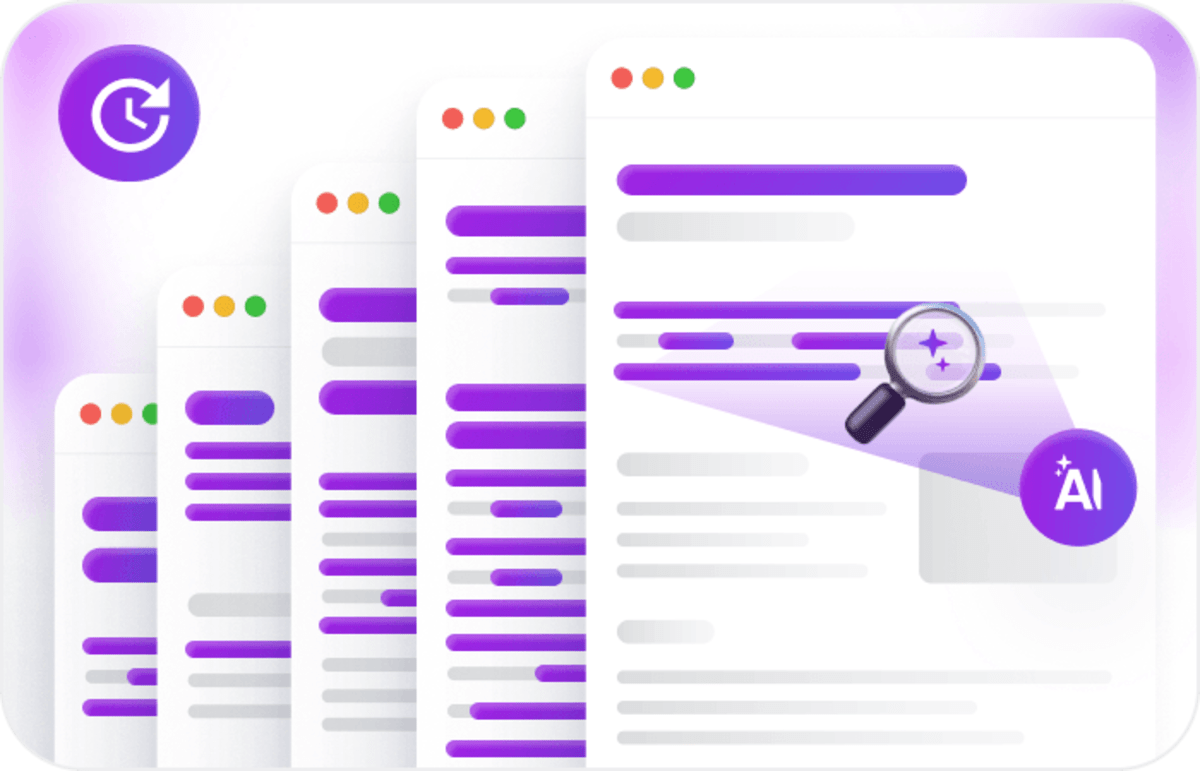
Until now, Mira AI could only automatically update data from your product feed. Now it also regularly checks information from selected pages on your website. 👀
No more manual updates needed. You can easily set up automatic refreshing in your account.
Just go to the Sources tab and choose the interval ⏱️ for how often Mira should check your website.For you, this means 2 things:
1️⃣ More accurate answers, always based on the latest information.
2️⃣ Nothing to worry about — Mira keeps track of updates for you. - Smartsupp AI
Mira AI now understands the full context of conversations

What does that mean? She won’t ask customers for information she can look up herself, so conversations flow faster.
Here’s how it works ➡️ When a customer is on a specific product page and asks for more information, Mira automatically pulls all the necessary details from your product feed or uploaded pages. She doesn’t need to ask follow-up questions and can continue the conversation right away.
Example: A customer is browsing blue sneakers in size 42 and sends a chat message. Instead of asking “What size are you looking for?” or “What color do you prefer?”, Mira jumps straight to answering their actual question, like whether they’re in stock. She already has all the basic info.
But this improvement isn’t just for e-shops, it works for service websites too. 👆🏻 Thanks to webscraping, Mira can pull information from your uploaded pages, not just product catalogs.
The result? Smoother conversations, faster answers, and happier customers.
- AI Reply Assistant
AI summarizes conversations and tells you what to do next

Our AI Reply Assistant’s new feature saves you tons of time when replying in Live chat.
Just click the AI summary button ✨ and in seconds you’ll see:
- Conversation summary – a brief overview of the entire chat history
- Next recommended steps – what to reply and what to ask
Perfect for when you’re taking over a conversation from a colleague. Or when you simply don’t remember the details and need to get up to speed fast.
The result? ✅ Faster responses ✅ More accurate answers ✅ More efficient team work
- Chat box
Ready to make your conversations shine?

Great news! You can now highlight key information and use text formatting in your replies, making your messages clearer and more professional. ✨
Your agents can now use the following options:
- Bold
- Italic
- Underline
- Bulleted and ordered lists
- Active links
Even better, your visitors will see this formatting directly in the chat box, ensuring your conversations are easy to follow and your brand looks sharp. 🤩
- Smartsupp AI
We've improved the UX for managing sources 🎨

Introducing Bulk Operations – a time-saving feature that makes managing your Mira AI sources much easier!
Need to select multiple sources at once and quickly delete or update them? 🔁 No problem! Say goodbye to tedious clicking on each source individually. What can you do with this new UX improvement?
✅ Select multiple sources at once for bulk deletion and updates.
✨ Easier navigation with all available actions clearly visible above the table.
🔍 Search functionality within sources for better organization.
📊 Sort by date from newest to oldest.
🔢 Better visibility of selected items count in the table.This UX update is just the first of many to come. We felt that improving source management was so important that we made it our top priority in this first wave of updates. We’ll be rolling out more interface improvements across our app very soon! 🤝
- Smartsupp AI
Ready to customize your AI responses? 🎭

Today, we would like to draw your attention to a feature that can significantly improve the answers of your AI shopping assistant.🔥
It works as follows ➡️ You provide your AI shopping assistant with instructions on how to behave in certain situations. Thanks to these instructions, it can then answer these questions exactly as you expect. 🌟
Example: You know that your customers often want a suitable bike recommendation. Therefore, you give the AI shopping assistant precise instructions on what to ask. In this case: whether it should be a men’s, women’s, or children’s bike, what the rider’s height is, and whether they are interested in an electric or classic bike.
Are you interested in our new feature? Just go to settings, describe the situation, and you’ll be done in a few minutes. ⚙️